Minuteur en Ligne : Compte à Rebours
Réglez n'importe quelle durée et le compte à rebours descend jusqu'à zéro avec un carillon doux — dans une scène calme et plein écran.
Minuteurs populaires
Réglez un compte à rebours pour n'importe quelle durée
Saisissez une durée sur la grande horloge — heures, minutes et secondes — ou faites défiler pour l'ajuster, puis appuyez sur Démarrer. Le minuteur descend jusqu'à zéro et fait retentir un carillon doux, pour que vous puissiez vous éloigner en toute confiance. C'est le minuteur en ligne simple et fiable : pas de phases, pas de compte, pas d'encombrement — juste le temps que vous avez réglé, qui s'écoule.
Des minuteurs prédéfinis prêts à l'emploi
Besoin d'une durée courante ? Accédez directement à un préréglage — un minuteur de 5 minutes pour le thé ou une pause rapide, un minuteur de 10 ou 15 minutes pour un sprint concentré, un minuteur de 20 ou 30 minutes pour réviser, un minuteur d'1 heure pour du travail profond. Chaque préréglage ouvre le même compte à rebours, déjà réglé et prêt à démarrer, sur sa propre page que vous pouvez mettre en favori ou partager.
Calme, plein écran, sans distraction
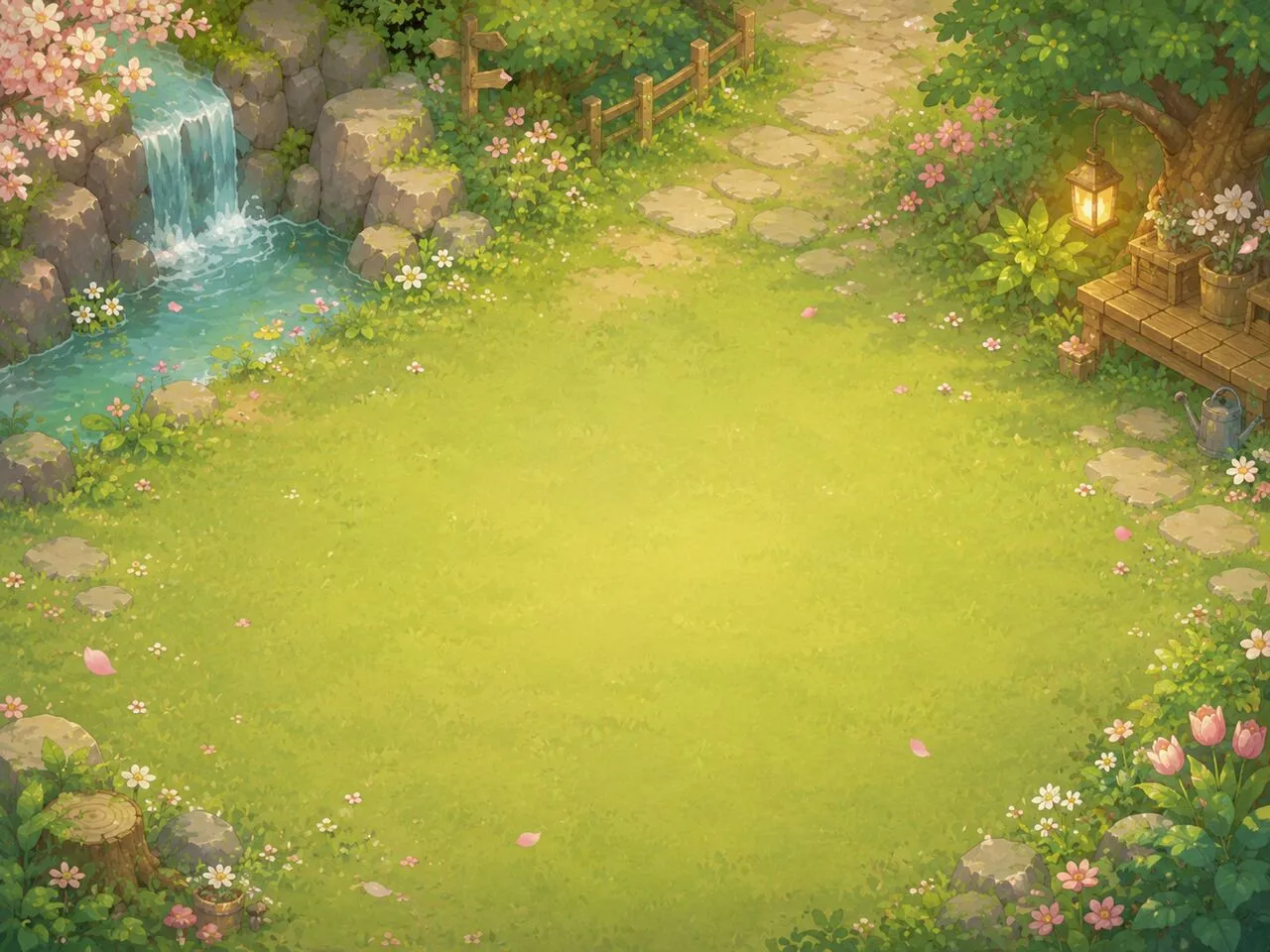
Choisissez une scène immersive peinte à la main ou une couleur unie, une police et une taille, puis passez en plein écran pour que le compte à rebours remplisse la pièce — sur un ordinateur portable, un projecteur ou un second écran. Détachez une mini-fenêtre flottante qui reste au-dessus des autres applications, coupez ou gardez le carillon final, et laissez une barre de progression décroissante montrer d'un coup d'œil le temps qu'il reste.
Partagez-le ou intégrez-le
Copiez un lien qui rouvre le minuteur avec la durée et la scène exactes que vous avez réglées, ou déposez le code d'intégration dans une page, un document Notion ou une diapositive de classe. C'est gratuit, ça fonctionne dans n'importe quel navigateur moderne, et ça ne nécessite aucune installation.
Un compte à rebours pour la classe, la cuisine et la salle de sport
Le même compte à rebours sert partout où il faut un minuteur visible et fiable. En minuteur pour la classe, passez en plein écran sur le projecteur, activez l горloge murale en coin et laissez les alertes de couleur rythmer l activité. En cuisine, réglez-le pour les pâtes ou une cuisson. À la salle, chronométrez gainages et récupérations.
Questions fréquentes
Le minuteur compte à rebours est-il gratuit ?
Oui — entièrement gratuit, sans compte et sans installation. Il fonctionne directement dans votre navigateur.
Continue-t-il de compter dans un onglet en arrière-plan ?
Oui. Le compte à rebours est calculé à partir d'une heure de fin cible, il reste donc précis même lorsque l'onglet est en arrière-plan ou que l'appareil se met brièvement en veille.
Que se passe-t-il lorsque le minuteur atteint zéro ?
Un carillon doux retentit et le titre de l'onglet affiche « Temps écoulé ! ». Vous pouvez couper le son avec le bouton haut-parleur si vous préférez une fin silencieuse.
Puis-je régler un nombre précis de minutes ?
Oui. Saisissez n'importe quelle durée sur l'horloge, ou ouvrez un préréglage prêt à l'emploi comme le minuteur de 5, 10, 20 ou 30 minutes et ajustez à partir de là.
Puis-je intégrer le minuteur ou partager un lien ?
Oui. Utilisez la page d'intégration pour le placer sur un autre site ou document, ou copiez un lien de partage qui rouvre exactement votre durée et votre scène.