Aesthetic Pomodoro Timer
A cozy online study timer — pick a scene, set your focus, and start.
A study timer that feels like a place
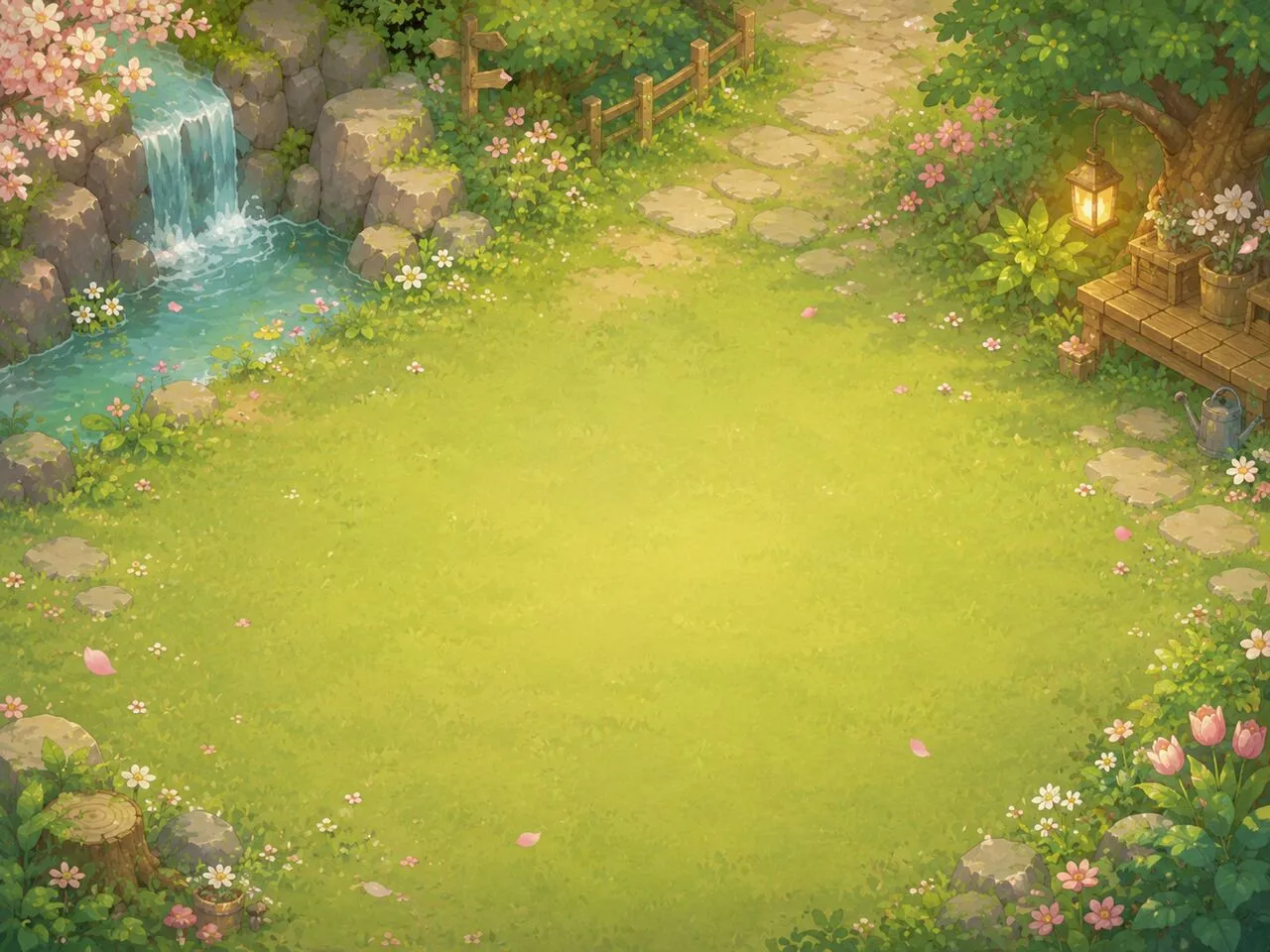
Flowz turns a plain countdown into a small scene: a forest path, sakura in the wind, a winter night by the fire. Whether you need a timer for studying, writing, or deep work, choose a background, an ambient mood, and a font, then let the pomodoro study timer carry you — focus, short break, and a long break every four rounds. Prefer minimal? Switch to a plain white or black screen.
Built on the Pomodoro Technique
The classic rhythm is 25 minutes of focus and a 5-minute break, with a longer break after four rounds. Flowz runs the whole cycle for you and lets you tune it — focus sessions from 1 to 180 minutes, breaks from 1 to 90. The countdown is anchored to a real end time, so it never drifts, even in a background tab.
Embed it in Notion, Google Sites, or your blog
Every customization — scene, mood, font, durations, message — can be copied as an embed code and dropped into Notion as a live widget, so your study dashboard gets a timer that matches its vibe. The same iframe works in Google Sites, Canva whiteboards, and any blog that accepts HTML.
Frequently asked questions
- What is an aesthetic pomodoro timer?
- An aesthetic pomodoro timer is a focus timer that runs the Pomodoro Technique over a calm, good-looking background instead of a bare countdown. Flowz pairs 25/5 focus-and-break cycles with cozy pixel-art scenes, ambient moods, and custom fonts, so your study timer feels like a place you want to stay in.
- What is the Pomodoro Technique?
- The Pomodoro Technique is a time-management method: work in focused sprints (classically 25 minutes), take a short break (5 minutes), and after four rounds take a longer break. Flowz runs the full cycle automatically — focus, break, and long break — and you can change the lengths to anything from 1 to 180 minutes.
- How do I add this timer to Notion?
- Open Customize, pick your scene and durations, then press “Copy embed code”. In Notion, type /embed, paste the code’s URL (or paste the iframe into any site that accepts HTML), and the timer appears as a live widget. The same embed works in Google Sites and blogs.
- Can I use a plain background instead of a scene?
- Yes. Open Customize and choose the White or Black background for a clean, minimal timer, or pick one of the cozy pixel-art scenes like Forest Path, Sakura, or Winter Night.
- Does the alarm still go off if I switch tabs?
- Yes. The countdown is anchored to a real end time, so it stays accurate in background tabs, and the remaining time shows in the tab title so you can see it from anywhere.
- Is Flowz free?
- Completely free — no signup, no download, and no account. Open the page, press start, and focus.
